Actualizing AI
There's a conversation happening about AI adoption. People feel tension—fear of being left behind, discomfort with change, questions about whether to embrace or resist. The analogy keeps surfacing: refusing to use AI today is like insisting on a typewriter in 2010. The tool still works, but the world moves on.
There's no shortage of people selling courses on "the right way" to use AI.
This is different. This playbook is free. The starter kit is free. Foundational knowledge shouldn't be gated behind a paywall. Yes, there are things worth selling in this space—consulting, custom implementations, advanced training. But the core understanding of how to orchestrate AI? That should be accessible to everyone.
This is real: AI isn't optional anymore. It's woven into how work gets done. The question isn't whether to use it, but how to use it wisely.
Most people who embrace AI are still only scratching the surface.
We're moving from typewriter to laptop. That's good. That's necessary. But there's another level—and it's right here.
The Gap Most People Don't See
When most people think about AI, they think about ChatGPT. They ask it a question. It answers. They refine the prompt. It responds. They copy the output and paste it somewhere else.
This is Level 1: AI as Assistant. It's helpful. It's faster than doing everything manually. But it's still one conversation at a time, one task at a time, isolated interactions that don't connect to anything else.
Some people progress to Level 2: AI as Thought Partner. They engage in iterative loops—asking, reflecting, refining. The AI mirrors their thinking back to them, helping them see blind spots and clarify ideas. This is powerful. But it's still manual. Every step requires human intervention.
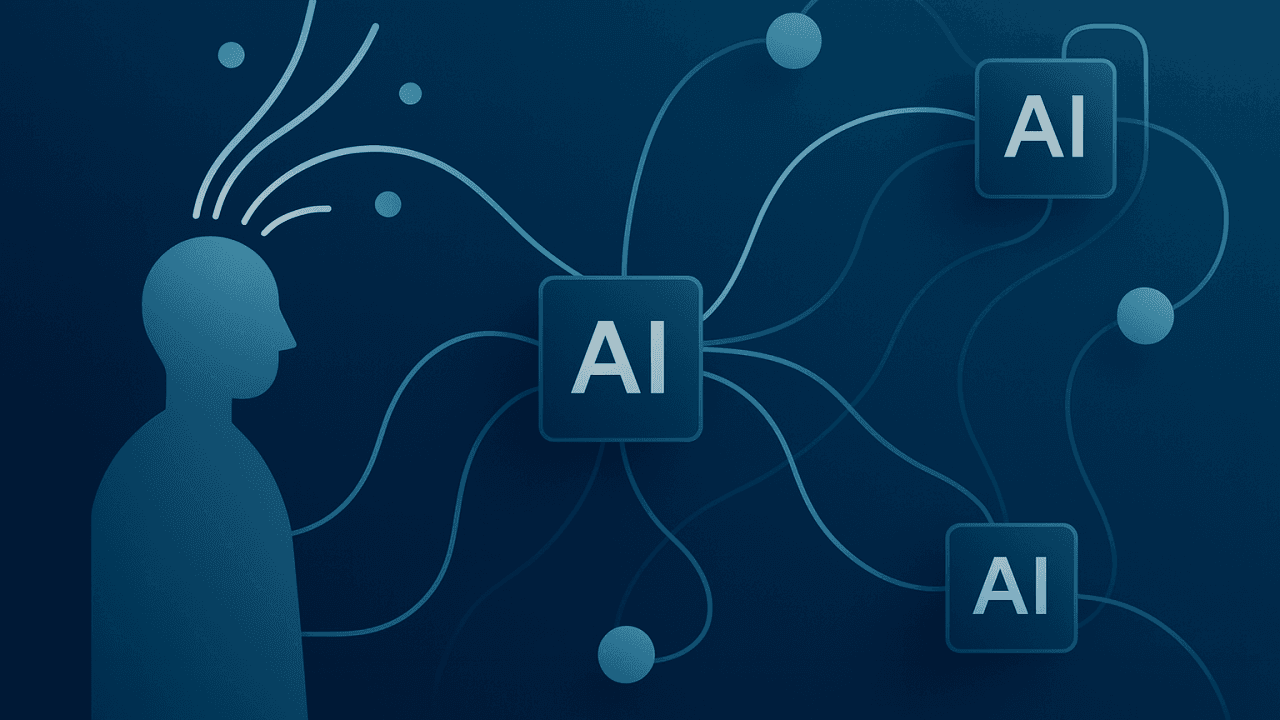
The leap most people haven't made is to Level 3: AI as Orchestrated System. This is where you stop using one AI assistant and start coordinating multiple specialized agents. Instead of asking ChatGPT to "research this topic, create an outline, draft content, and edit it," you assign each task to a different agent optimized for that job. They hand off to each other. They work in parallel. You set the process in motion and it runs.
And beyond that is Level 4: AI as Autonomous System—workflows that monitor their own performance, learn from outcomes, and improve over time without constant human input.
When you use a chat-bound AI, you're stuck at Level 1. And because it's transformative, it feels like that's all there is.
There's so much more.
Vision and Reality
Here's the honest truth: moving to higher levels requires different tools depending on your comfort with technology.
The Vision
Imagine this: You're writing an article. You drop your rough notes and a few reference links into a folder. A research agent reads everything, synthesizes key themes, and saves a summary. A strategist agent takes that summary and creates a structured outline. An analyst agent identifies the most compelling insights. An editor agent drafts the content, refining your voice. You review the output, make adjustments, and publish.
The entire process takes 20 minutes instead of 4 hours. And you're still the creative force—your judgment, your taste, your vision. The AI just removes friction between intention and execution.
The Accessible Path
You don't need to be technical to start experimenting with orchestration. Here's what's available today:
- ChatGPT Custom GPTs: Create specialized agents with specific instructions. One GPT for research, one for editing, one for strategy. You manually run each one in sequence, but it's a taste of orchestration.
- Zapier or Make: Connect different apps and AI processing steps into automated workflows. Visual, no-code, accessible.
- Notion AI or similar tools: Work within the ecosystem you already use, adding AI to your existing process.
The catch? These tools require subscriptions—typically $20-50/month. And you're still coordinating each step manually. They can't access your local files easily. But they're a bridge.
The Frontier Path
For people willing to learn something new, there's a more powerful option: tools like OpenCode that can access your local file system, read and write documents directly, and run multiple agents in true orchestration.
(Don't let the name throw you—OpenCode isn't just for coding. It works with any text-based project: writing, planning, research, design.)
This requires some technical comfort—downloading software, configuring agents, organizing your workspace. But it's not coding. It's closer to setting up a project management system than writing software.
And it's free. OpenCode provides access to several free AI models. No subscription required.
The gap between "accessible" and "frontier" is real. The frontier tools are more powerful but have a learning curve. The accessible tools are easier but cost money. Choose your path based on your risk tolerance and curiosity.
One Concrete Example: Designing Floating Shelves
Let's make this tangible with a non-writing example. Say you want to design custom floating shelves for your office.
The Old Way (Level 1): You ask ChatGPT: "Help me design floating shelves." It gives you some ideas. You ask follow-up questions. You copy and paste into a document. You ask for a cut list. You copy that too. It takes an hour and you're managing all the pieces.
The Orchestrated Way (Level 3): You create a project folder with a text file describing what you want, a few links to inspiration images, and notes about your space and tools. You trigger a workflow:
- Research Agent reads your notes and inspiration, gathers information about wood types, bracket options, joinery methods, and standard dimensions. Saves a synthesis document.
- Analyst Agent reviews the research, compares different approaches, and identifies the best option for your skill level and budget.
- Strategist Agent creates a detailed plan: cut list, tools needed, step-by-step assembly instructions, hardware specifications.
- Editor Agent takes the plan and turns it into clear, printable instructions with a materials shopping list.
The entire workflow runs in sequence. You review the output, make adjustments if needed, and you have a complete, actionable plan.
The AI doesn't design the shelves—you do. But it removes all the friction between "I want floating shelves" and "here's exactly how to build them."
The Reality Check
Before you get too excited, here's what you need to know: AI reflects and synthesizes. It doesn't truly create.
It can combine your inputs with information it finds. It can reorganize your thinking. It can spot patterns you miss. But it's not generating genuinely original ideas the way humans do.
You're still the source of vision, judgment, and taste. AI is the amplifier, not the artist.
Also: organization matters. If your workspace is chaotic, your AI outputs will be chaotic. Garbage in, garbage out. This isn't magic—it's leverage. And leverage works best when applied to something solid.
Set realistic expectations. AI won't make you creative. It will help you create faster and more clearly.
Your Starter Kit: The Invitation to Experiment
Here's where this becomes actionable.
I created a free starter kit so you can try orchestrated AI yourself. No coding required. No expensive subscriptions.
What's included:
- Four pre-configured agents: Research Agent, Strategist Agent, Analyst Agent, Editor Agent. Each has specific instructions and knows how to work with organized files.
- Two ready-to-use workflows: One for content creation (research → strategy → analysis → editing), one for research synthesis.
- A workspace template: Organized folder structure (research, drafts, final, templates) so your agents know where to find inputs and save outputs.
- Step-by-step instructions: How to download OpenCode (free GUI tool), import the configuration, and run your first workflow.
- Sample files: Example research documents so you can see how to structure your inputs.
The tools are free. OpenCode provides access to several free AI models (GPT 5 Nano, Grok Code, and others). You can get started without spending a dollar.
Download the starter kit here: github.com/mattbaylor/agentic-ai-starter-kit
Is it perfect? No. OpenCode is a real tool, and it has a learning curve. The free models aren't as powerful as paid ones. You'll need to experiment and iterate.
But it's real. It works. And it will show you what orchestrated AI actually feels like.
Start Small, Start Now
You don't need to master everything at once.
Pick one project. Maybe it's writing an article. Maybe it's planning a renovation. Maybe it's analyzing feedback from your team.
Set up the workspace. Import the agents. Run one workflow. See what happens.
The output probably won't be perfect. That's fine. Refine your inputs. Adjust the agent instructions. Run it again.
You're not trying to replace yourself. You're trying to amplify your capacity.
The future doesn't belong to people who resist AI. But it also doesn't belong to people who use AI passively, one question at a time.
It belongs to orchestrators—people who understand how to coordinate these tools into systems that multiply their impact.
Refusing AI is like using a typewriter in 2010. But using AI as a basic assistant is like buying a laptop and only using it for email.
There's so much more available. You just have to be willing to learn how to conduct the orchestra.
The Invitation
Try this. Experiment. Break things. Learn what works.
And when you do—share it. Comment below with what you built, what worked, what didn't. Share your successes. Share your challenges.
This is new territory for all of us. We figure it out together.
Ready to try it? Download the free starter kit and start orchestrating: github.com/mattbaylor/agentic-ai-starter-kit
Written with AI assistance—using the iterative loops and orchestrated workflows described in this playbook. See the actual session here.